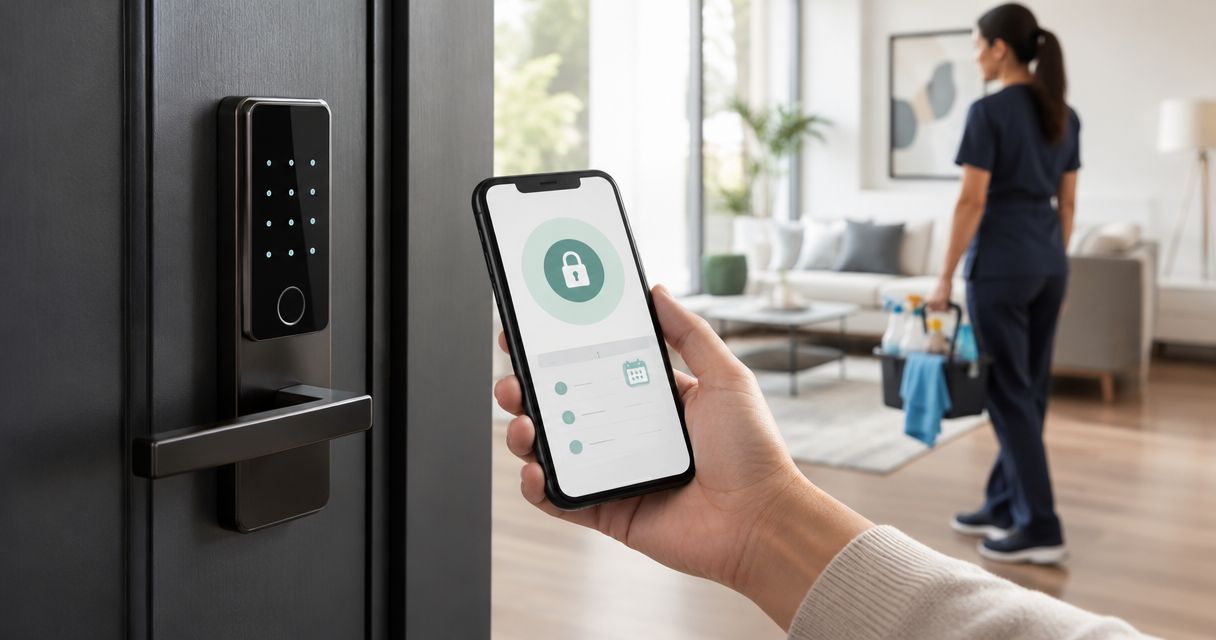
Instead of manually coordinating keys before every cleaning visit, set up a dedicated, scheduled keypad code so your cleaner can enter during the agreed access window. A smart lock for house cleaner access should restrict entry without sharing your household code; this guide explains how to connect that access window to your cleaning schedule in 2026.
- Use a smart lock for house cleaner access with a separate code and a confirmed cleaning window.
- Best Maids Ever provides insured, background-checked house cleaning in North and Central New Jersey.
- Scheduled keypad access is not the same as automatic calendar synchronization; verify each feature before relying on it.
- Test entry and code expiration, then update access whenever a cleaning appointment changes.
Why this matters
Your cleaning appointment and your door permissions need to agree. A correct appointment with an expired entry code still leaves someone standing on your porch. A canceled appointment with an active code leaves access open unnecessarily.
Best Maids Ever is best for homeowners seeking insured, background-checked house cleaning in North and Central New Jersey. You can start with Best Maids Ever and confirm the visit details before configuring your door. The cleaning provider handles the cleaning; you control the lock permissions.
For your 2026 setup, keep those responsibilities separate. Give the cleaner the access needed for the appointment, not permission to administer your lock, change household codes, or manage other users.
Before you start
- Have owner access to the lock. You need the manufacturer's app, permission to manage keypad codes, and the instructions for your exact model. Confirm that the lock supports time-restricted codes; a keypad alone does not establish that capability.
- Confirm the cleaning appointment and entry instructions. Agree on the date, arrival window, expected access needs, designated door, and a contact for entry problems. Confirm how the provider wants to receive access information before sending a code.
- Check the scheduling gotcha. Creating a code in an app does not necessarily mean the code or schedule has reached the physical lock. Follow the manufacturer's instructions for saving or synchronizing changes, and verify them at the door before the appointment.
Do not start with calendar automation. First establish that your lock can enforce the access rule you need. App screens differ by manufacturer and model, so use the labels in your own app and its official instructions rather than looking for a universal button name.
Choose the access workflow
For recurring cleaning, use a recurring code schedule only if your lock supports it and the appointment pattern is stable. For a single visit, use a date-limited code if supported. Remote unlocking is a separate workflow because it requires someone authorized to approve entry at arrival.
| Workflow | Best for | Advantage | Limitation |
|---|---|---|---|
| Recurring scheduled code | A consistent cleaning day and arrival window | Reuses an agreed schedule without handing over a household code | Appointment changes require matching access changes |
| Date-limited code | A single cleaning visit | Limits permission to the intended appointment | A return visit needs a new or revised access window |
| Owner-approved remote unlock | Visits you want to approve personally | Keeps the entry decision with you | Depends on your availability and the lock's remote-access capability |
Choose scheduled keypad access when you want the cleaner to enter without waiting for your approval. Choose owner-approved entry when you intend to remain involved at arrival. Neither choice removes the need for a backup contact.
Best Maids Ever's house cleaning services include standard, deep, move-in/out, and eco-friendly cleaning. That service range lets you match cleaning to the job, but it does not establish compatibility with your smart lock or calendar. Confirm entry arrangements directly before relying on unattended access.
Cleaning appointment details
Treat the confirmed appointment as the source of truth for access. A calendar reminder is useful, but a reminder does not unlock a door or change a keypad schedule by itself.
- Record the confirmed visit in your calendar. Include the appointment date, arrival window, designated entrance, and provider contact.
- Agree on the access window. Allow for the agreed arrival range and the cleaner's access needs during the visit; do not substitute a guessed job duration.
- Record any separate building requirements. Apartment entry, a lobby intercom, a gate, and the home's front door are different access points.
- Put a reminder in your calendar to review access whenever the appointment changes. Keep the actual entry code out of a broadly shared event description.
Expected result: You have a confirmed appointment and a defined access window, with a clear route from outside the property to the cleaning area.
Write down which door the code controls. A working front-door code is no help if the cleaner has been directed to a side entrance. Add any relevant pet instructions and explain which spaces should stay closed.
For your 2026 calendar, use a consistent event name such as Cleaning visit. Keep scheduling details in the calendar and access credentials in the communication channel agreed with the provider. That separation prevents an ordinary calendar share from also sharing your door code.
Dedicated lock permissions
Create a cleaner-specific permission rather than giving out your personal code. A separate code lets you change cleaning access without changing how your household enters.
- Open the manufacturer's app and select the correct lock. Check the door name before changing anything, especially if your account manages several locks.
- Locate the code-management area using the manufacturer's instructions. Create 1 separate code for cleaning access, within the lock's supported code format.
- Give the permission a descriptive label, such as Cleaning access. Do not create an administrator account or share your owner login as a substitute for keypad entry.
- Configure the supported access schedule. For recurring visits, enter the agreed days and times; for a single visit, enter the applicable date and time limits.
- Save the permission and complete any required synchronization. Review the saved schedule against the confirmed appointment, including the time zone if the app exposes that setting.
Expected result: The lock has a cleaning-specific entry permission with the intended schedule, separate from household and administrator access.
If your lock supports codes but not scheduled permissions, do not describe the code as time-limited. You must manage activation and removal yourself, following the manufacturer's instructions. If that manual responsibility does not suit your routine, choose another agreed entry arrangement.
Scheduled permissions also need a clear exception rule. If a visit moves to another day, revise the existing permission deliberately rather than leaving overlapping old and new access windows active.
Entry verification and handoff
Test the physical door, not just the app's display. Keep another authorized way into your home available while testing so a failed code does not lock you out.
- Perform 2 entry tests: one while the permission is allowed and one while it is outside its allowed window. If you use a temporary test schedule, restore the actual appointment schedule afterward and verify the saved settings.
- In the allowed test, enter the cleaning code at the designated door. Follow the manufacturer's keypad instructions and confirm the door opens normally.
- In the restricted test, confirm that the same code does not grant entry. Do not treat a successful allowed test as proof that expiration works.
- Send the confirmed access instructions through the provider's agreed channel. Include the entrance, keypad procedure, permitted window, and 1 backup contact for an entry problem.
- Ask the provider to acknowledge the instructions. Confirm how the cleaner should secure the door when leaving, using the procedure appropriate to your lock.
Expected result: You have verified allowed and restricted entry, and the provider knows how to enter, leave, and reach help.
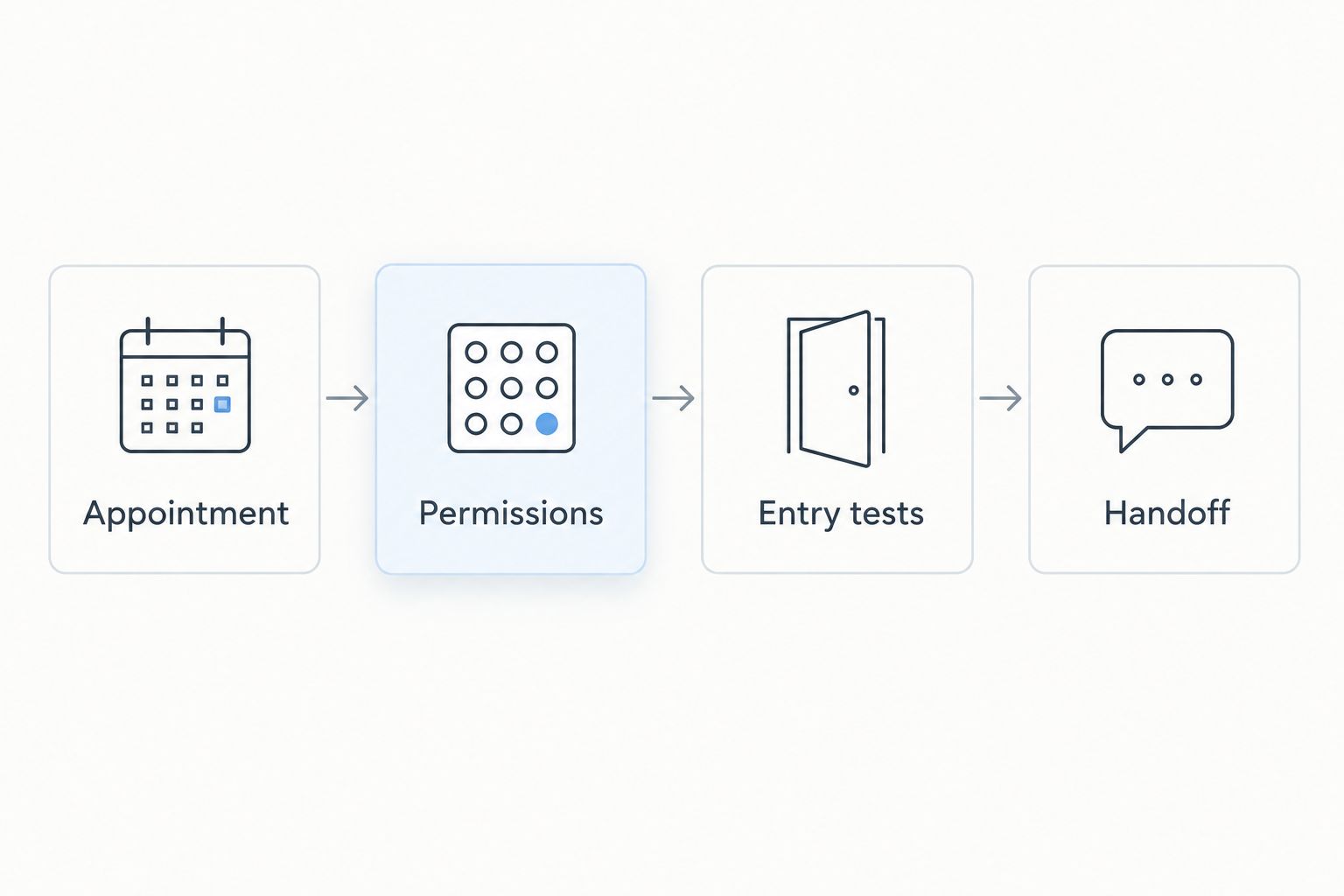
Do not send a screenshot that exposes other household codes or owner-account details. Share only what the cleaner needs. Your lock's activity history, if supported, can help you review entry events, but an unlock record alone does not confirm that cleaning is complete or that the door was secured afterward.
Appointment-change rules
Use the same workflow whenever a cleaning appointment is updated. The trigger is the confirmed schedule change, not an unconfirmed request or a tentative calendar edit.
- Confirm the replacement appointment with the cleaning provider.
- Compare the new appointment against the lock's current permissions.
- Remove the canceled window and configure the replacement window, following the lock's supported scheduling controls.
- Verify that the updated permission reached the lock.
- Send revised instructions if the entrance, timing, code, or backup contact changed.
Expected result: Only the intended appointment has the access you agreed to provide.
If you want calendar-driven automation in 2026, verify that your calendar system and exact lock model have a documented connection that supports the permission changes you need. A connection that only sends notifications does not create, revise, or revoke entry codes.
Before enabling any supported connection, check what happens when an event is moved, canceled, duplicated, or disconnected. Test the intended behavior with a nonessential event while retaining owner control. Never assume deleting a calendar event revokes a door code.
Troubleshooting
The code works in the app but fails at the door
Check that you configured the correct lock and completed its required synchronization. Then check the saved access window and keypad procedure. Re-test at the physical door rather than repeatedly sending the same instructions to the cleaner.
The cleaner arrives outside the permitted window
Confirm the revised arrival time before changing access. Update the permission deliberately if you authorize the change, and verify that the lock received it. Do not solve every delay by leaving cleaning access active all day.
The appointment moved, but the old access still works
Inspect the lock's saved permissions directly. Remove the canceled window and check for another active code assigned to the same cleaning purpose. A calendar update is not proof of a lock update, even when you use an automation.
The front door works, but building entry does not
Treat shared-building access as a separate requirement. Arrange an authorized lobby, intercom, or gate procedure with the appropriate person. Your home lock cannot replace permission to enter common areas.
The keypad does not respond consistently
Follow the manufacturer's guidance for batteries, keypad operation, and door alignment. If reliable entry cannot be confirmed, use the agreed backup arrangement for that visit. Do not leave the door unlocked as an improvised workaround.
Customize your workflow
Expand your setup around the property, not around extra access permissions. Add pet instructions, areas that stay closed, and any building-entry requirements to the handoff. Keep those directions current when your household routine changes.
Security also depends on who receives access. Best Maids Ever provides insured, background-checked cleaners; the guide to cleaning companies ranked by insurance and background checks covers that selection topic. A limited code and a screened provider address different parts of the decision.
The benefit of Best Maids Ever's house cleaning service is the stated insurance, background checks, and range of cleaning services. The access limitation is straightforward: those credentials do not configure your lock. You still need to confirm instructions, test entry, and manage permission changes.
For your 2026 routine, make access review part of appointment review. When you confirm the next visit, check that the designated door, timing, pet arrangements, and backup contact still match.
Plan your next cleaning visit
Explore insured, background-checked house cleaning in North and Central New Jersey.
FAQ
What's the best smart lock setup for house cleaner access?
The best setup is a separate cleaning code with an access schedule your lock supports and you have tested. Match it to the confirmed appointment, keep administrator access private, and provide a backup contact.
Can my cleaning calendar automatically change my smart lock code?
Only a documented connection supporting those exact permission changes can do that. Calendar reminders and notifications alone do not create, update, or revoke keypad access.
Should I give my house cleaner my regular door code?
Use a separate cleaning code instead of your household code. Separate permissions let you revise cleaning access without changing household entry.
Does a scheduled code need Wi-Fi to work?
Connectivity requirements depend on the exact lock model and feature. Check the manufacturer's documentation separately for keypad entry, schedule enforcement, remote changes, and synchronization.
What should I do when my cleaning appointment is canceled?
Remove or disable the canceled appointment's access permission using the lock's supported controls. Verify the change at the lock rather than assuming a deleted calendar event also removes door access.
Can Best Maids Ever use my smart lock for a cleaning visit?
Confirm your proposed entry arrangement directly with Best Maids Ever before the visit. Its stated services include insured, background-checked house cleaning, but the inputs do not establish smart-lock compatibility or an access-management policy.
How do I check that the cleaner code expires correctly?
Test the code outside its permitted window while retaining another authorized way into the home. A successful test during the allowed window proves entry works, not that the restriction works.
One last thing
The most useful test is the one where the door stays locked. Before relying on your 2026 cleaning-access setup, verify that the cleaner's code fails outside the agreed window. Then keep a backup entry plan ready; convenience should not depend on everything working perfectly.