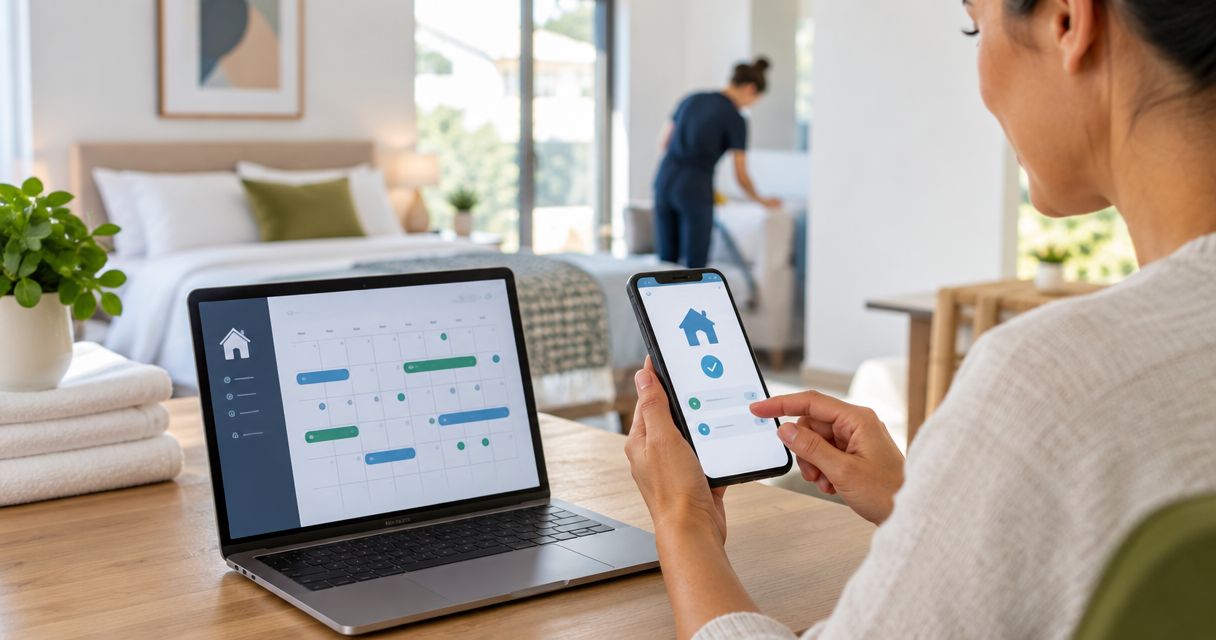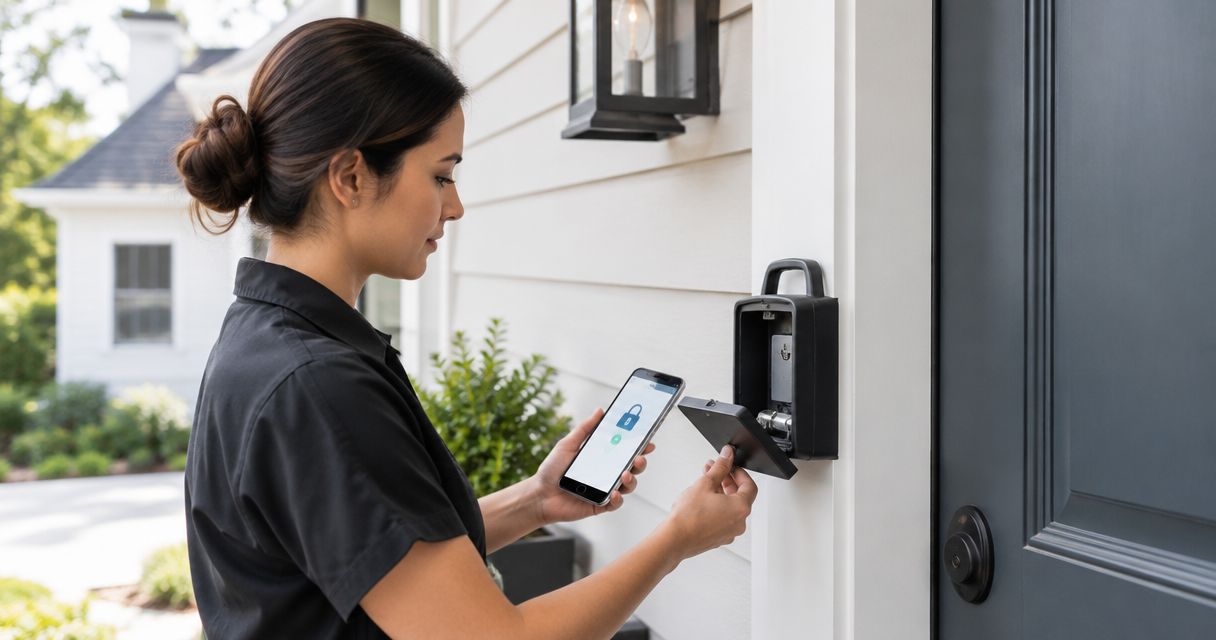
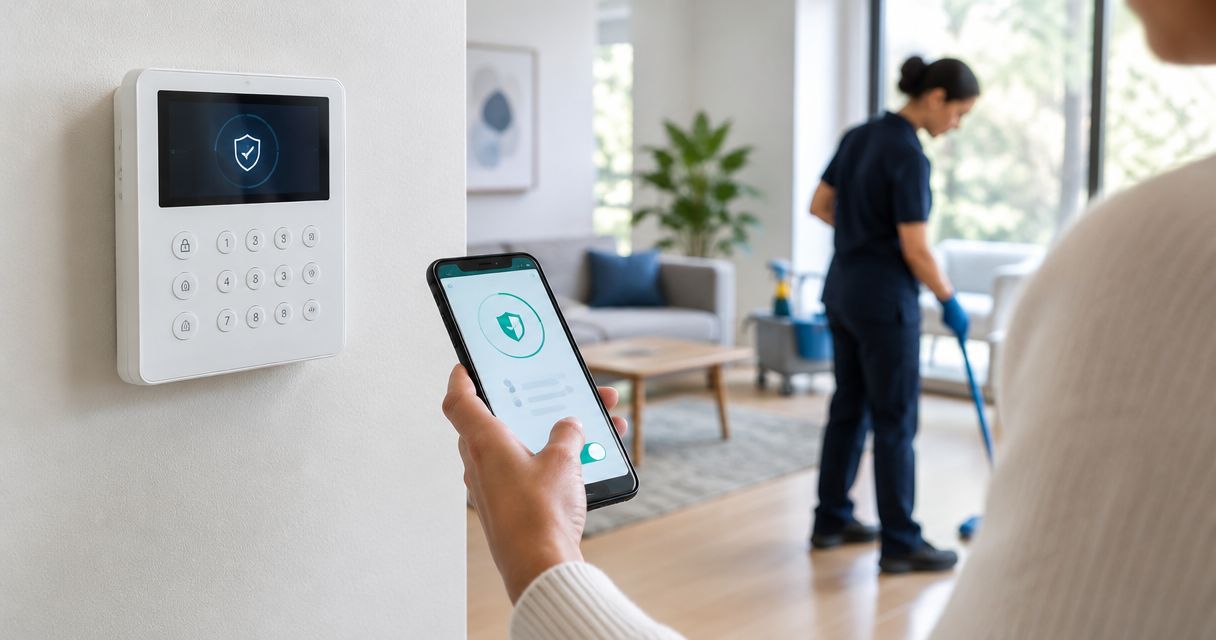
Instead of manually switching off your alarm before every cleaning, use a separate cleaner access code or a supported, appointment-specific disarm schedule so entry does not depend on you watching your phone. To disarm an alarm system for cleaning service safely, tie access to a confirmed visit and verify rearming after departure—not just when the appointment ends.
- To disarm alarm system for cleaning service visits, use separate cleaner credentials rather than sharing your master code.
- Best Maids Ever provides insured, background-checked house and commercial cleaning in North and Central New Jersey.
- Scheduled disarming requires explicit alarm-system support; a calendar entry alone does not authorize access.
- Confirm departure before rearming, and cancel access whenever a cleaning appointment changes.
Why this matters
A cleaning appointment and an alarm schedule are different things. Your calendar records when someone is expected; your alarm controls whether entry triggers a security response. If those records drift apart, you can leave the property disarmed without a visit or send a cleaner into an armed building.
Best Maids Ever is a house and commercial cleaning service for North and Central New Jersey customers seeking insured, background-checked cleaners. When arranging a visit through Best Maids Ever, agree on access instructions separately from the cleaning scope. Insurance and background checks do not replace your property's access controls.
For your 2026 setup, keep the appointment, entry permission, and departure confirmation connected. The goal is less coordination—not less security.
Before you start
- Owner access and documentation: Have the alarm owner's account, the system's current instructions, and permission to change user credentials or schedules. For a commercial property, get approval from the person responsible for building security.
- Confirmed visit details: Establish the service date, arrival window, permitted entrance, departure procedure, and 1 backup contact. Confirm how access instructions will reach the assigned cleaning team without placing credentials in shared calendar notes.
- The easy-to-miss gotcha: A smart-lock code does not automatically disarm an alarm. Confirm whether your exact lock, alarm, and account support that behavior; otherwise, treat door access and alarm disarming as separate tasks.
Never use an internet guide's guessed button names to change a security setting. Follow the labels in your alarm's official instructions; this workflow describes the decisions and checks that apply across systems.
Access method
Choose the access method before creating a schedule. Separate cleaner credentials are the recommended starting point when your alarm supports them, because you can remove that access without changing your household's master credential.
| Access method | Best for | Advantage | Limitation |
|---|---|---|---|
| Separate cleaner code | Visits with variable arrival times | Lets an authorized person disarm on arrival; separate access can be revoked | Requires supported user credentials and correct entry instructions |
| Supported scheduled disarming | Confirmed visits with a dependable access window | Removes the need for someone to disarm at arrival | An unchanged schedule can disarm the property after a cancellation |
| Owner-controlled remote disarming | Systems without suitable scheduling or cleaner credentials | Keeps each disarm decision with the owner | Requires the owner or backup contact to respond |
Set the permission boundary
- Check supported permissions. Read the instructions for additional users, temporary credentials, and scheduling. Confirm whether cleaner access can be limited to the intended property or partition.
- Create separate access. If supported, assign a credential specifically for cleaning visits. Do not reuse your owner's login, master code, or emergency duress code.
- Restrict the scope. Allow only the access required for the visit. Do not grant account administration, security-setting changes, or access to unrelated areas.
- Record the owner. Identify who can revoke the credential and who handles access problems when that person is unavailable.
Expected result: You can identify and remove cleaning access without disrupting ordinary household or staff access. If your system cannot separate permissions, use owner-controlled disarming instead of sharing administrative credentials.
Ask whether the cleaner credential can also arm the system. Do not assume the ability to disarm includes permission to rearm, and do not assume a temporary credential expires automatically.
Appointment window
Automatic disarming belongs to an actual appointment, not a permanent weekly assumption. Before enabling a 2026 recurring schedule, decide who updates it after cancellations, holidays, and changes in arrival time.
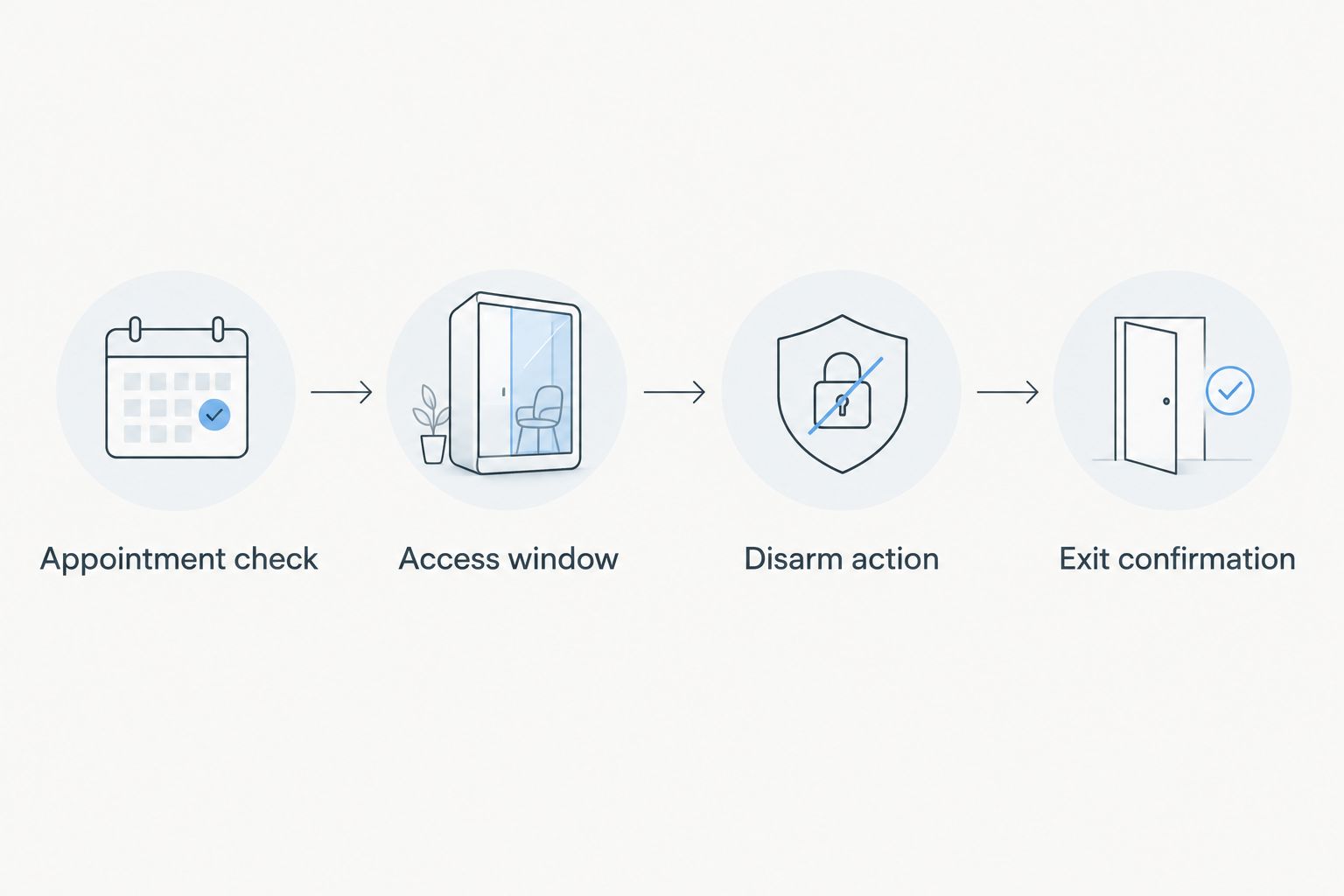
Configure the visit rule
- Appointment check: Confirm the cleaning date and arrival window before enabling access. Treat a tentative calendar event as planning information, not security authorization.
- Access window: Set the date, local time, and recurrence using the alarm's supported controls. Match the rule to the confirmed visit rather than leaving an open-ended daily schedule.
- Disarm action: Select only the supported action documented for your system. Check which property, partition, or security mode it affects before saving.
- Exit confirmation: Decide how you will learn that everyone has left. Keep this separate from the scheduled appointment end time.
Expected result: The rule refers to the correct property and confirmed visit, and someone owns the departure check. If the system does not support scheduled disarming, keep the appointment reminder but use a cleaner credential or owner-controlled disarming.
Keep security credentials out of calendar titles, descriptions, and invitations. A scheduling record needs the visit details and the responsible contact—not the secret that opens the property.
If you use an external automation platform, confirm that the alarm manufacturer explicitly supports the connection and disarm action. A reminder automation is not proof that security control is supported. Do not paste alarm credentials into an unofficial connector or script.
Notifications and rearming
Disarming is only half the workflow. A clean house with an alarm left off is not the finish line.
Configure the handoff
- Enable supported status notifications. Use the alarm's documented notifications for arming and disarming, if available. Send them to the owner or designated security contact.
- Write the arrival instruction. Specify the authorized entrance and what the cleaner should do if access fails. The instruction should tell them to contact you rather than try alternate codes or entrances.
- Write the departure instruction. Ask for confirmation that the visit is complete, everyone has left, and the entry door is secured. Agree on the communication method before the visit.
- Set the rearming responsibility. Assign rearming to an authorized person or a supported rule with documented safeguards. Verify the final armed state in the alarm system.
Expected result: You know who handles entry, who confirms departure, and who checks the final security state. A message saying the cleaning is complete does not itself prove that the alarm is armed.
Do not rearm solely because a calendar appointment has ended. A cleaner who is still inside can trigger the alarm when moving through a protected area. If the system offers automatic rearming, confirm its behavior with your alarm provider before relying on it.
For Best Maids Ever cleaning visits, confirm the communication and access instructions with the service before using them. Do not assume the team will operate a particular alarm app, change settings, or monitor your automation.
Test and activation
Test the access procedure while you can respond immediately. Your first unattended cleaning should not be the first time anyone discovers how the alarm behaves.
Verify the full visit
- Coordinate the test. Follow your alarm provider's instructions for testing a monitored system. Ask whether a documented test mode is required before doing anything that could trigger a response.
- Run 2 tests. Test the normal entry-and-departure procedure, then test the cancellation procedure. These are workflow checks, not instructions to deliberately trigger a monitored alarm.
- Check the normal result. Verify that permitted entry works, the intended security area is disarmed, departure is confirmed, and the final armed state is visible.
- Check the canceled result. Remove or disable the appointment-specific rule and verify that no scheduled disarm remains for that visit.
- Review the next 3 appointments. Compare their dates and arrival windows with the saved access rules before leaving the workflow unattended.
Expected result: Both a real visit and a canceled visit produce the intended security outcome. Record the successful procedure in a private household or facilities note without including the actual access code.
Keep a dated 2026 setup note naming the system, responsible contact, and approved procedure. Update it whenever you change the alarm, connected lock, account permissions, or cleaning arrangement.
Change access whenever a cleaning is rescheduled
The adjacent workflow is appointment-change handling. It prevents a correct setup from becoming wrong after someone moves a visit.
If your booking calendar and alarm support an official connection, configure changes to update the existing visit's access rule rather than creating another rule. Confirm how that connection identifies the appointment and handles cancellation. Test those behaviors before enabling security actions.
Without a supported connection, use a reminder-only workflow:
- Receive the confirmed appointment change.
- Disable the old alarm access window.
- Set the new window only after confirming the replacement visit.
- Review door access separately, if a smart lock is involved.
A rescheduled visit needs a replaced access window, not an extra one. Leaving the old rule active creates access at a time when no cleaner is expected.
For one-time deep or move-out cleaning, remove visit-specific permissions after the completed handoff. For recurring cleaning, keep the credential only while the arrangement remains authorized and review its permitted use after schedule changes.
Troubleshooting
The door opens, but the alarm sounds
The lock and alarm are operating independently, or the expected connection did not perform the disarm action. Check the system's event history and documented integration behavior. Pause unattended entry until you have verified a working alarm-disarm procedure.
The property disarms on the wrong date or time
Inspect the rule's date, time zone, recurrence, and any older active schedules. Correct the rule and repeat the cancellation check. Include daylight-saving behavior in your 2026 schedule review rather than assuming every connected service handles local time identically.
The cleaner's code is rejected
Check whether the credential is active, assigned to the correct property, and permitted during that visit. Also confirm the documented entry procedure. Do not send the master code as a quick fix; arrange owner-controlled access or correct the restricted credential.
The property stays disarmed after the visit
Check whether departure confirmation arrived and whether the assigned person completed rearming. Review open sensors or system messages using the alarm's instructions. Do not repeatedly issue an arm command without understanding why it is being refused.
The alarm activates while cleaning is still underway
A scheduled rearm or another user's action can conflict with the visit. Follow your alarm provider's response procedure, then remove the timing conflict before the next appointment. Do not solve the problem by broadly disabling sensors or monitoring.
Customize your workflow
Add useful coordination before adding more security automation. A private appointment reminder, a backup contact, and a documented departure check address different failure points without granting broader permissions.
For commercial cleaning, confirm which areas the team is authorized to enter and whether other occupants remain onsite. Have the building's security administrator approve any partition-specific access; do not apply a household-style whole-building disarm rule by default.
Best Maids Ever provides standard, deep, move-in/out, and eco-friendly cleaning. Those service choices define the cleaning work, not an alarm integration. Confirm the access procedure independently for each property and visit type.
Arrange your next cleaning
Confirm your cleaning scope and property-access instructions before the visit.
FAQ
What's the safest way to disarm my alarm for a cleaning service?
Use a separate cleaner credential or owner-controlled disarming, with a confirmed departure and rearming procedure. Use scheduled disarming only when your alarm supports it and you can keep the rule aligned with the actual appointment.
Can my cleaning appointment automatically turn off my alarm?
Only a supported connection or alarm schedule can perform automatic disarming. A calendar event alone does not control the alarm; confirm the exact action in the manufacturer's documentation.
Does a smart-lock code also disarm the alarm?
A smart-lock code does not inherently disarm a separate alarm system. That behavior requires explicit support and configuration for the devices and accounts involved.
Should I give the cleaning team my master alarm code?
Use a separate authorized credential instead of sharing your master alarm code. If your system cannot provide suitable cleaner access, arrange owner-controlled disarming and a backup contact.
Will Best Maids Ever set up my alarm automation?
Arrange alarm setup with your alarm provider or authorized security administrator. Best Maids Ever provides house and commercial cleaning; confirm the team's access instructions before the visit rather than assuming security-system configuration is included.
What should I do when a cleaning appointment is canceled?
Disable that visit's disarm schedule and any appointment-specific access permissions. Check the alarm's active rules to make sure the canceled appointment cannot still cause disarming.
Should the alarm rearm at the scheduled end of cleaning?
Do not rely solely on the scheduled end time to rearm the alarm. Confirm everyone has left, then have an authorized person or a documented, supported procedure verify the final armed state.
One last thing
Test the canceled visit, not just the successful one. Entry can work perfectly while an old schedule still disarms an empty property the following week. Make cancellation handling part of your 2026 access procedure from the start.